
INTRODUCTION OF US
We Are A Data & AI Company
We are a boutique data and AI agency dedicated to helping businesses transform complex information into a powerful competitive advantage. By engineering robust cloud architectures and custom machine learning models, we unlock actionable insights that optimize your daily operations. Our expert team partners closely with you to build scalable, future-ready solutions that drive continuous strategic growth.

Have Any Questions?
+48 661 083 543

20 +
Happy customers

50 +
Projects delivered

OUR SERVICES
Our Expertise

Data Archiecture & Governance
We specialize in designing secure, scalable data architectures and robust governance frameworks that ensure your enterprise data is clean, compliant, and continuously ready for advanced analytics.

Data Engineering
We specialize in architecting high-efficiency ETL frameworks and real-time processing systems that turn chaotic data flows into an organized, business-critical engine.

Data
Visualization
We specialize in crafting intuitive dashboards and dynamic visual models that translate dense metrics into immediate, effortless strategic decisions.

AI & Machine Learning
We specialize in deploying custom predictive models and intelligent automation that turn hidden enterprise patterns into proactive business moves.

WHY CHOOSE US
We Are A Data & AI Company
Our team of experienced professionals is dedicated to helping businesses achieve higher efficiency, smarter decision-making, and greater competitive advantage through tailored cloud and AI solutions.

Scalable Data Platforms
Intelligent Automation
Predictive Analytics
Continuous Optimisation
OUR BLOG
Our Latest Articles & Blog
-
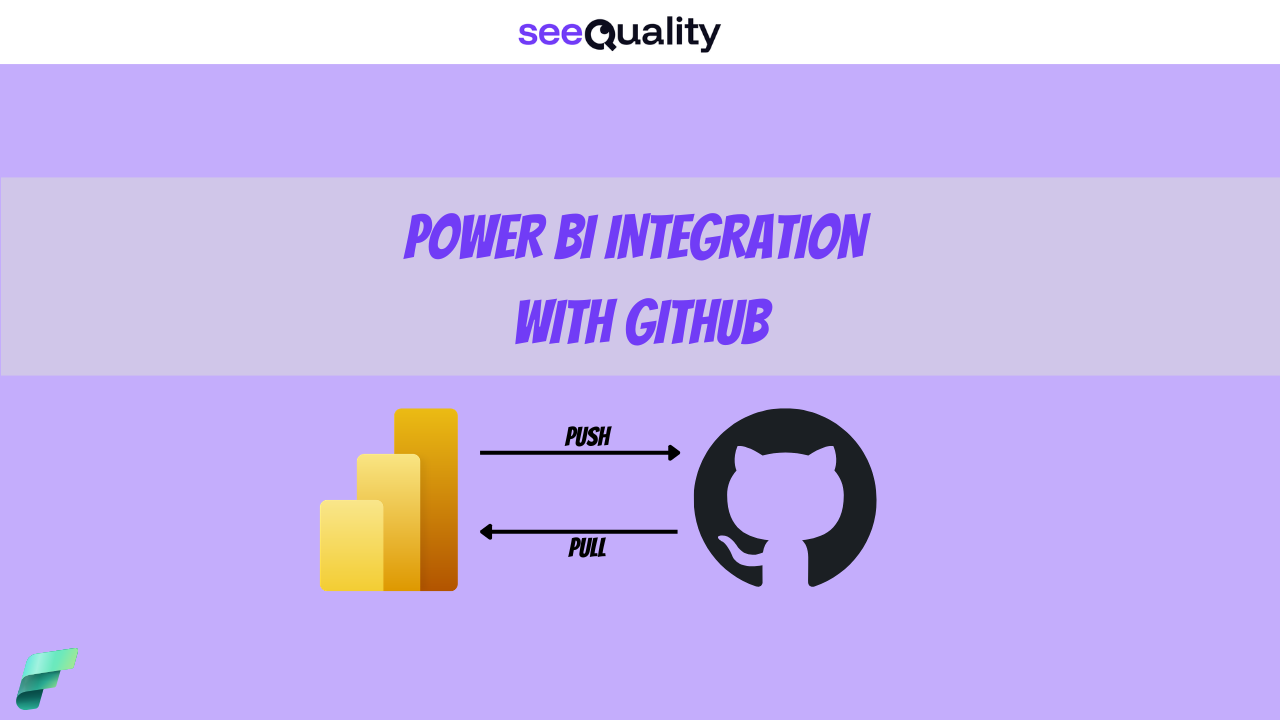
Power BI Integration with GITHUB
Read more: Power BI Integration with GITHUBWhile Azure DevOps is usually the easiest choice for Microsoft…
-
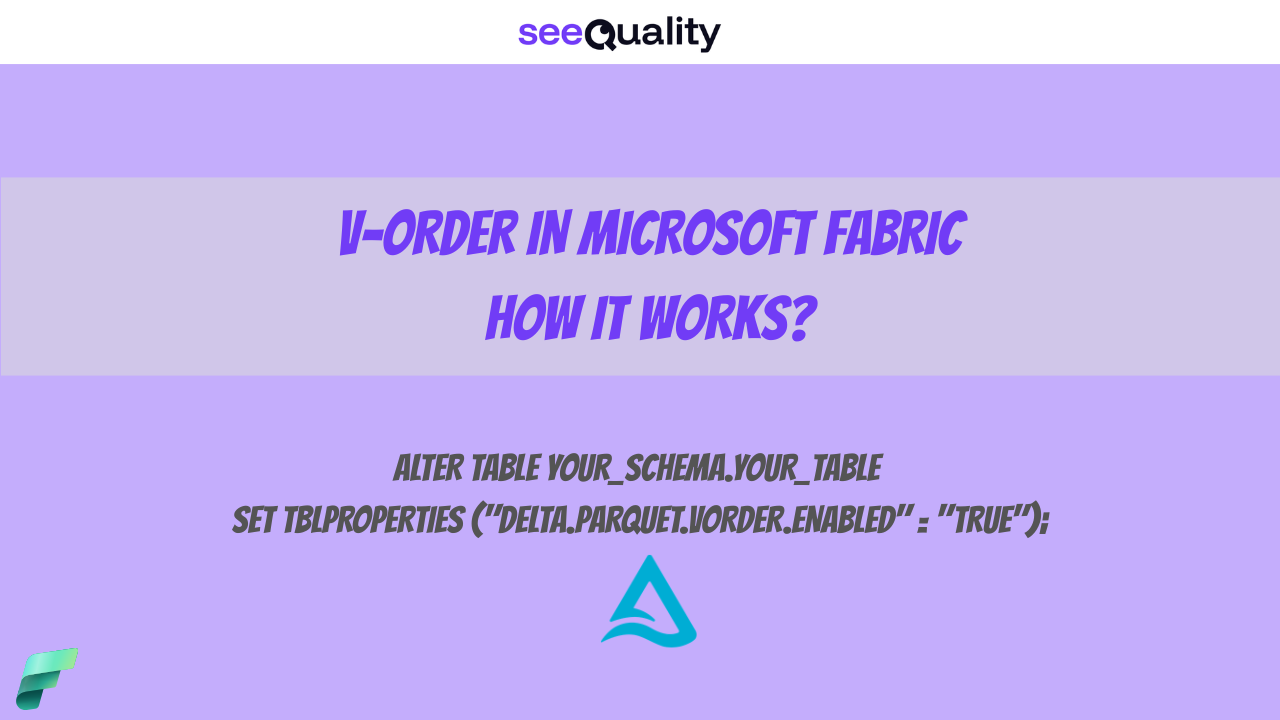
V-Order in Microsoft Fabric – what is that?
Read more: V-Order in Microsoft Fabric – what is that?Microsoft has modified the default configuration of V-Order in Microsoft…
-
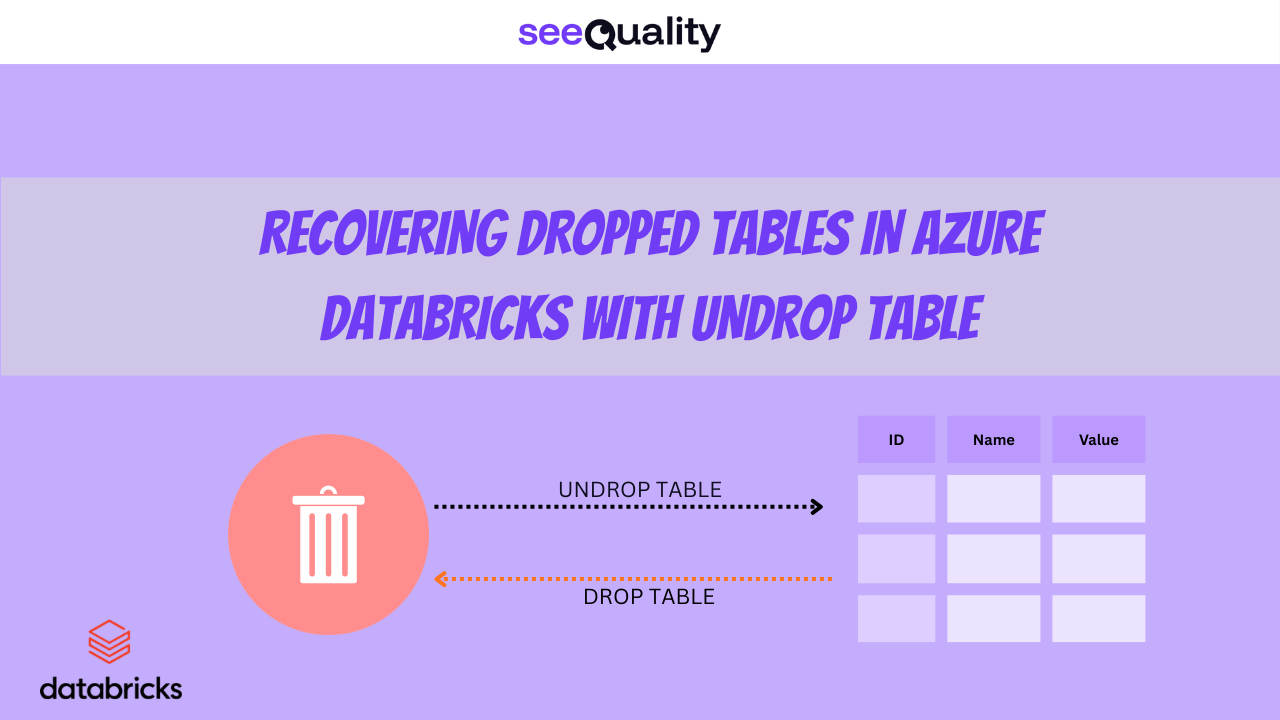
Recovering dropped tables in Azure Databricks with UNDROP TABLE
Read more: Recovering dropped tables in Azure Databricks with UNDROP TABLEOops, Dropped the Wrong Table? What now? We’ve all been…